

Documentation Index
Fetch the complete documentation index at: https://guide.cloud.blnkfinance.com/llms.txt
Use this file to discover all available pages before exploring further.
Overview
You can invite unlimited teammates to join your workspace and collaborate on your data.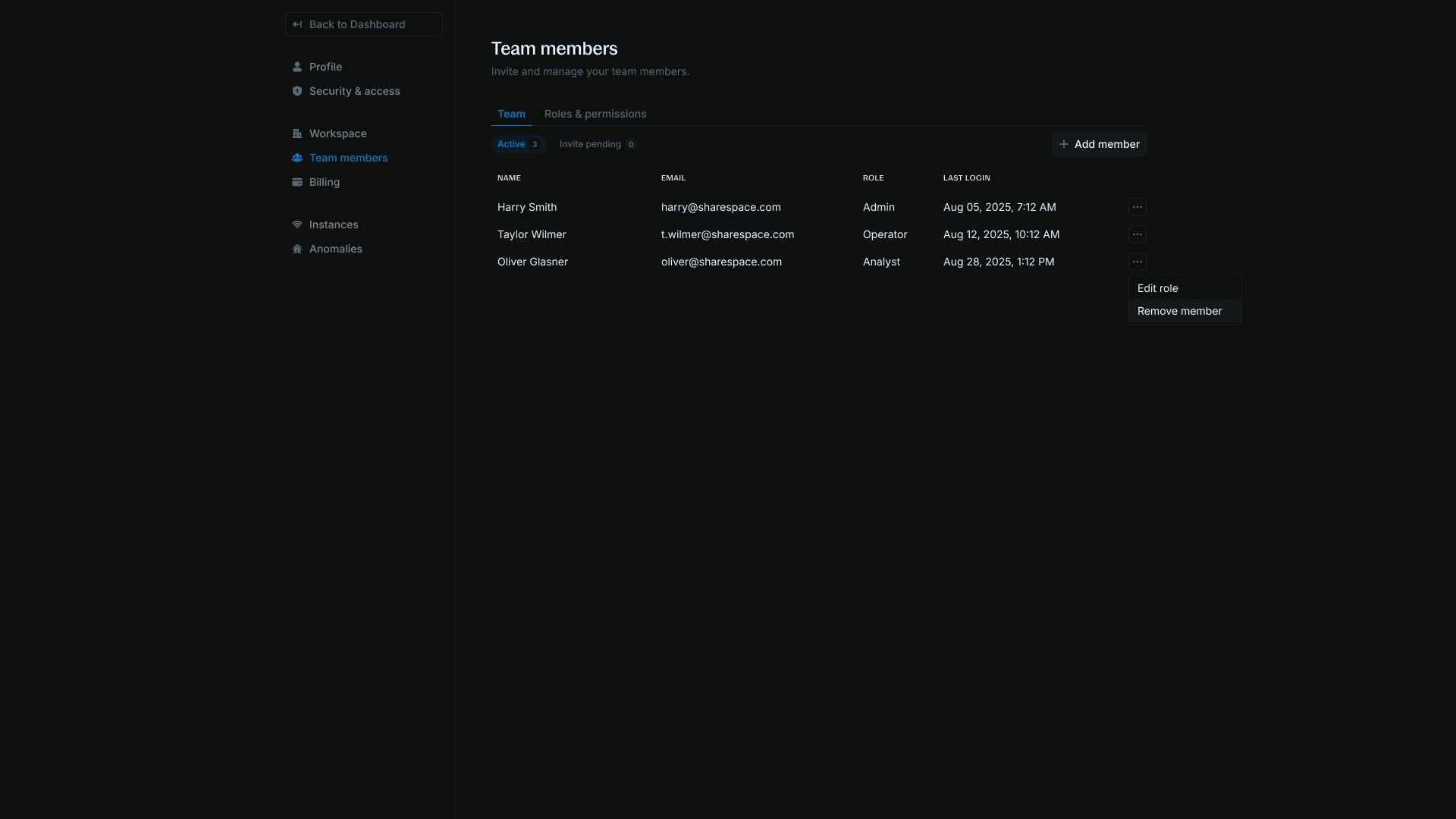
Send an invitation
Only admins can send invitations. To send an invitation: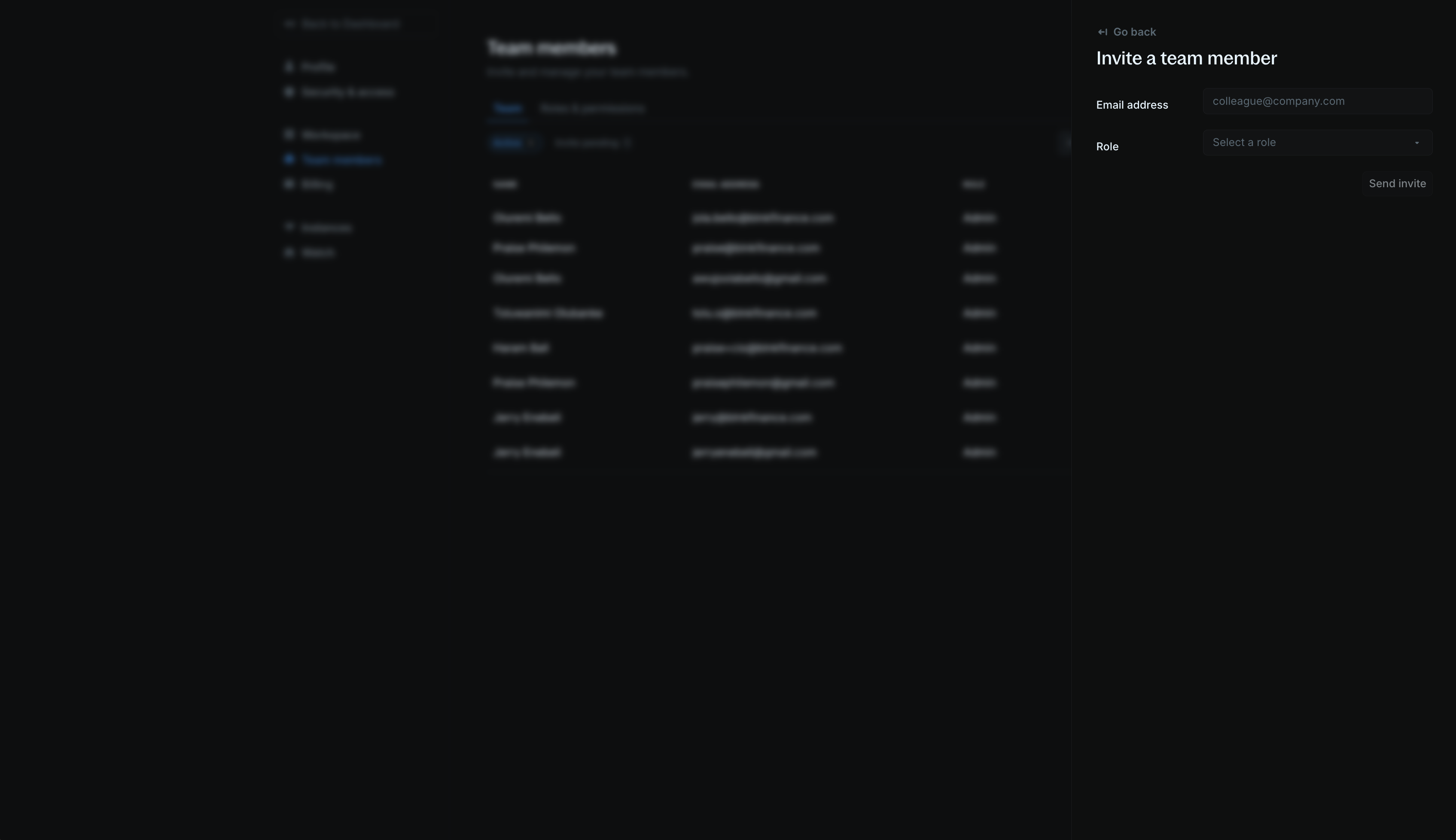
- Go to Settings > Team members.
- Click the Add member button.
- Enter your teammate’s email address and role in the workspace.
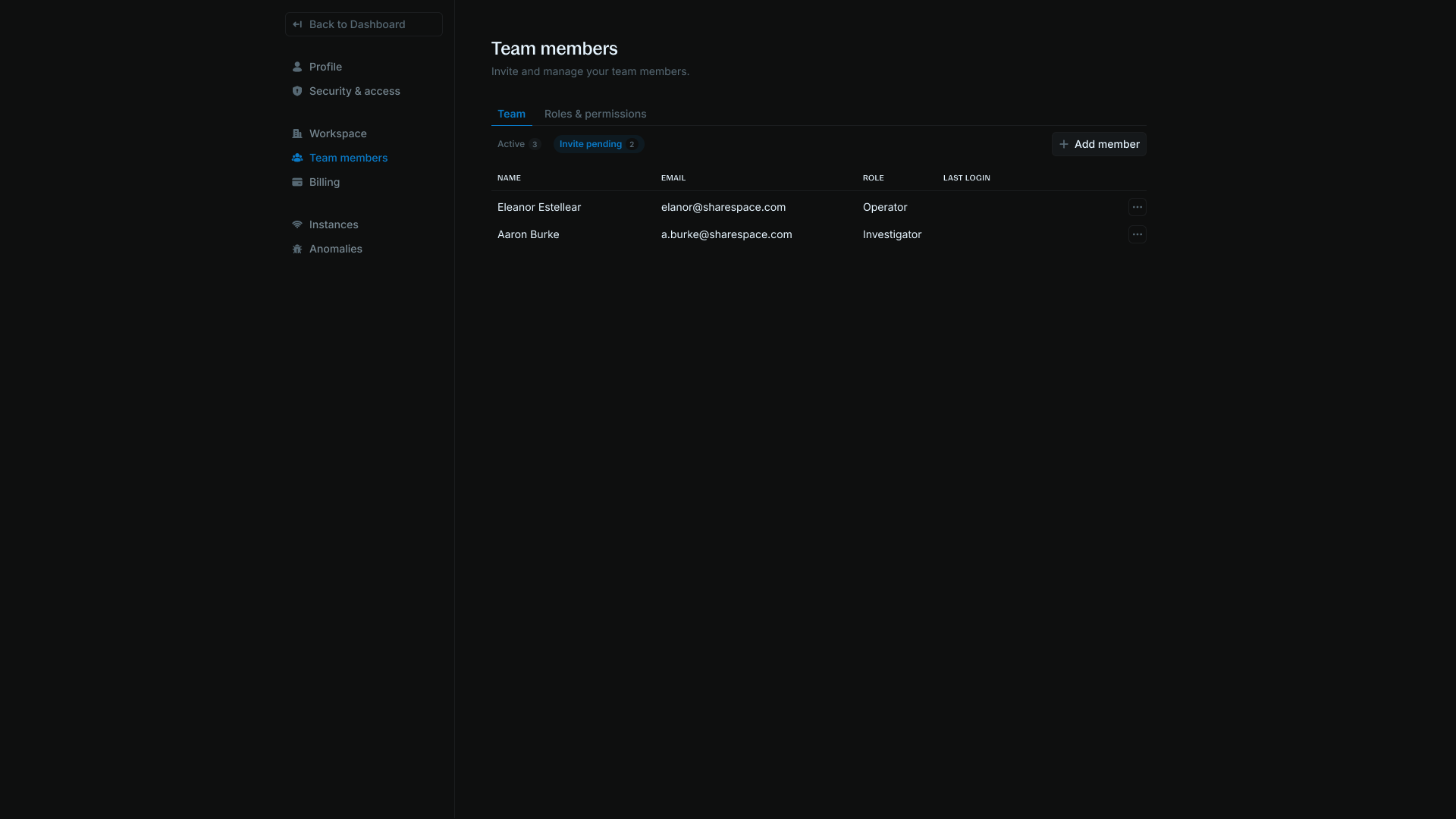
- Click Send invite. Your teammates will receive an invite link via email along with steps to join your workspace.
Roles & permissions
There are 4 preset roles in Blnk Cloud — admins, operators, investigators, and analysts.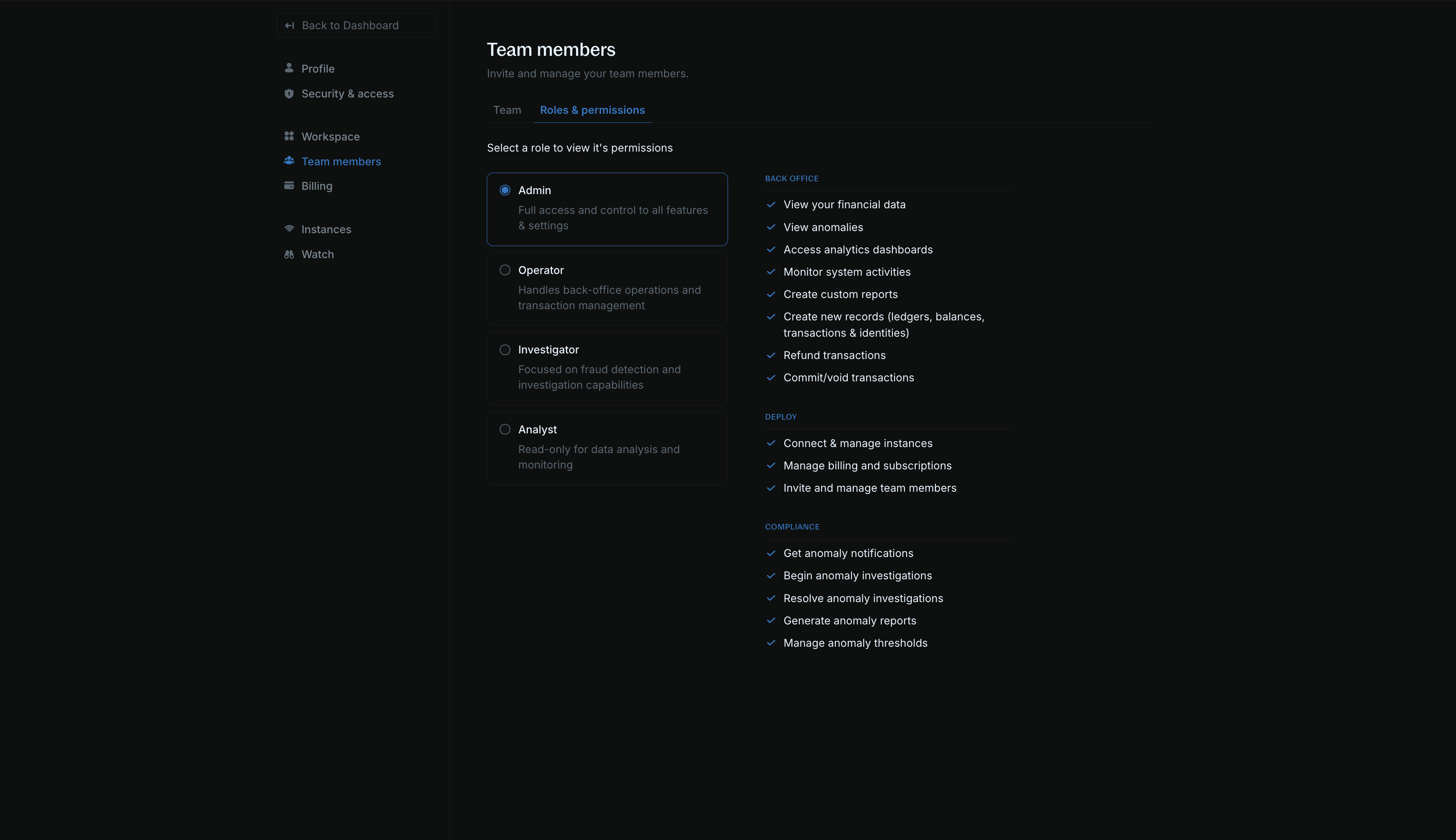
- View your data & dashboard
- Create new records (ledgers, balances, transactions, and identities)
- Refund transactions
- Commit/void transactions
- View and manage alerts
- Create custom insights
- Monitor system activities
- Connect & manage instances
- Manage billing and subscriptions
- Invite & manage team members
- Get alert notifications
- Generate reports
- View your data & dashboard
- Create new records (ledgers, balances, transactions, and identities)
- Refund transactions
- Commit/void transactions
- View anomalies
- View your data & dashboard
- Create and update alerts
- Get alert notifications – View alert details
- View your data & dashboard
- View alert details
FAQs
I added a teammate, but they can't log into the workspace.
I added a teammate, but they can't log into the workspace.
They may have their email address associated with a different workspace. Contact Support to get this resolved.